A redesign can change how your business is found
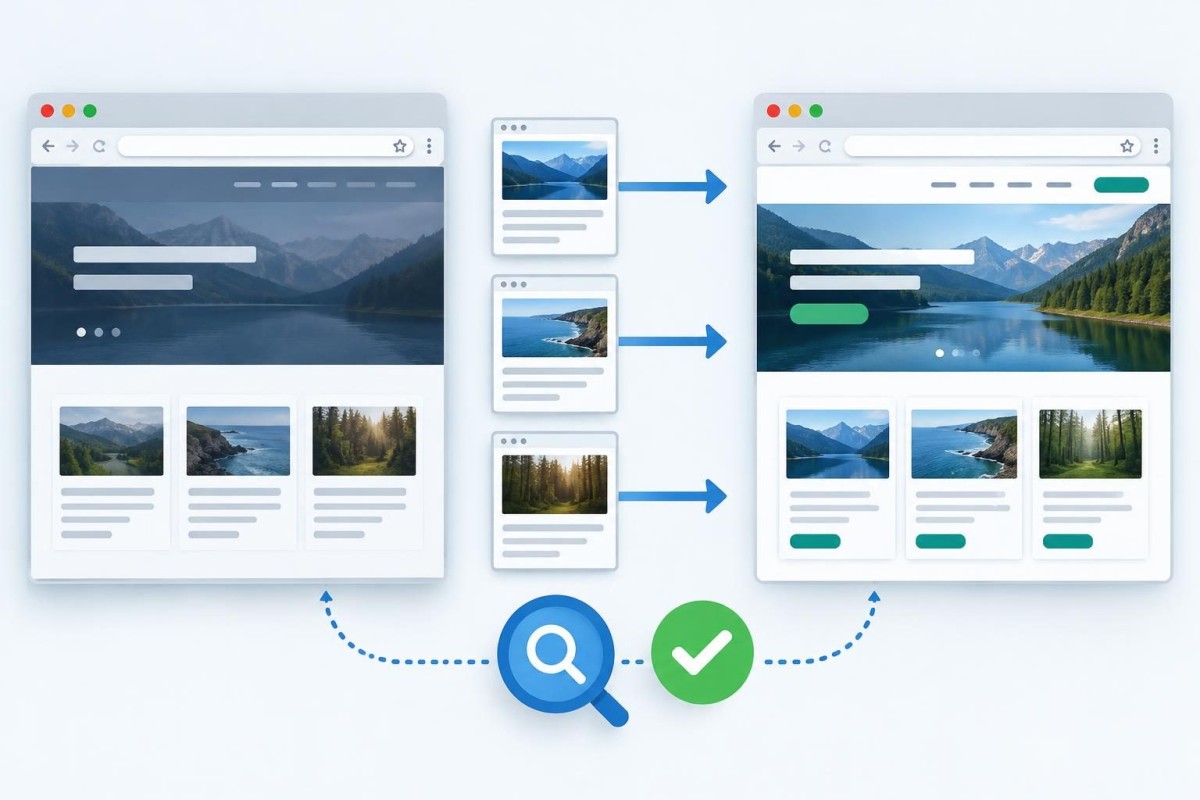
A new website may look cleaner and work better, yet still lose valuable search visibility if the launch changes URLs, removes useful pages, or breaks the paths customers already follow. The safest approach is to treat a redesign as two projects: improving the experience and preserving what already works. A launch checklist should cover both before anyone replaces the live site.
This guide is for a small business keeping its existing domain while rebuilding its website. A domain migration adds another layer of planning. If the redesign also involves changing hosts, use our WordPress hosting migration checklist to account for backups, DNS, and email delivery. The practical goal is not to promise unchanged rankings; it is to avoid preventable technical mistakes and make post-launch problems easier to diagnose.
1. Inventory the pages before design work starts
Export the existing sitemap and make a simple spreadsheet of important URLs. Add the homepage, each service page, location pages, articles that bring relevant visitors, contact and appointment paths, and downloadable resources. Record each page’s current address, purpose, proposed destination, and whether its content will remain, change, merge, or disappear.
Do not decide that an older page is expendable because its design looks dated. Check whether it answers a distinct customer question, receives useful visits, or has links pointing to it. Search Console and analytics can help, but incomplete or low-volume data should be treated cautiously. A page can still be commercially important even when the traffic sample is small.
2. Make a URL decision for every important page
Keeping the same useful URL is usually the simplest option. If the address must change, map the old address to the closest relevant new page and plan a permanent redirect. Avoid sending every retired service or article URL to the homepage. A visitor who asks for a specific service should arrive at the closest equivalent, not at a generic starting point.
Create four columns: old URL, new URL, action, and test result. Use KEEP for unchanged pages, REDIRECT for a moved equivalent, MERGE when two related pages become one useful destination, and REMOVE when no replacement exists. The final category deserves a deliberate decision rather than an automatic redirect. Google’s site-move guidance explains URL mapping, permanent redirects, and monitoring.
3. Preserve the information that earns trust
A redesign should not accidentally replace clear service explanations with vague slogans. Review the existing page titles, headings, location details, contact information, proof points, and practical answers customers rely on. Keep accurate business facts consistent. Where the old page is thin or confusing, improve it; where it already answers the right question, avoid changing everything just to make the new layout look different.
For a local business, confirm that service areas and locations are described truthfully. The same business name, phone number, and contact options should appear consistently. Our SEO and local search services page explains the broader role of search visibility beyond a visual redesign.
4. Test the site while it is still private
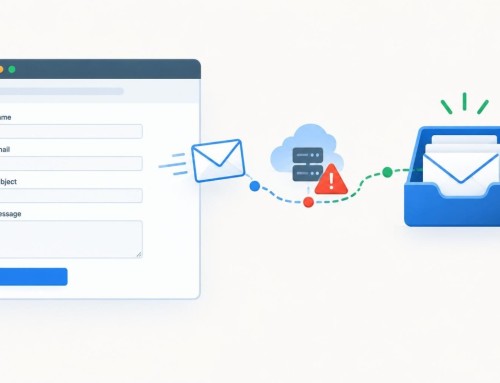
A staging website is useful only when the team has a real testing plan. Check desktop and mobile layouts, menus, forms, buttons, page speed, image sizing, accessibility basics, and any integrations that take an inquiry or payment. Submit a real test message and confirm it arrives where the business expects. If a form appears successful but the notification never arrives, the site can lose opportunities quietly.
Also inspect the technical settings. A staging site may intentionally block indexing, but the live site should not inherit those restrictions. Review robots rules, noindex tags, canonical URLs, HTTPS, and the XML sitemap. Confirm that the new pages return the expected HTTP status. An attractive page that cannot be indexed or reached is not a successful launch.
If form delivery is part of the rebuild, use the specific troubleshooting steps in our WordPress contact-form email guide rather than treating a successful on-screen confirmation as proof that messages are delivered.
5. Use a simple go/no-go launch sheet
Assign an owner and a result to each critical check. A useful launch sheet has five groups: content and URLs, search access, inquiry paths, mobile usability, and rollback readiness. Mark each item PASS, NEEDS FIX, or NOT APPLICABLE. A missing decorative detail may be acceptable for launch; a broken quote-request form or an important service URL returning an error is not.
Consider this hypothetical example: a contractor redesigns a ten-page site and renames its three service pages. The pages look correct in the new menu, but old links from search results still lead to missing pages. A URL mapping sheet would reveal three redirect requirements before launch. The lesson is not that every address must remain unchanged; it is that every change needs a deliberate destination and a test.
6. Check the live site immediately after launch
Open the site in a fresh browser session and test the homepage, the most important service pages, the contact path, and the old URLs listed in your mapping sheet. Follow redirects to their final destinations. Inspect the live page source or SEO settings to make sure no staging noindex instruction remains. Confirm the sitemap lists the intended canonical pages, and update internal links that still point to old addresses.
Run at least one test inquiry from a phone and another from a desktop browser. Verify both the visitor-facing confirmation and the actual delivery or saved submission. Check any third-party booking, payment, or CRM handoff. Keep a record of what was tested and who confirmed it, so later questions do not depend on memory.
7. Monitor changes without mistaking noise for a crisis
Search engines need time to crawl changed pages, and rankings can fluctuate after a meaningful migration. Establish a prelaunch baseline for important pages and qualified inquiries, then review comparable periods after launch. Watch indexing errors, redirects, page-specific impressions, clicks, and real contact submissions. Do not add together Search Console query rows and call the sum total website traffic; those rows can omit anonymized searches.
If an important page stops receiving impressions, inspect its URL, canonical, redirect, indexability, and content before rewriting it. If impressions hold but clicks fall, compare the page’s search intent and displayed title. If inquiries fall while traffic looks stable, test the form and conversion path first. These are different problems and should not receive the same generic SEO fix.
What should a small business ask its web designer?
Ask for a page inventory, a redirect map when URLs change, a staging test plan, a launch-day checklist, and a short post-launch monitoring window. Ask who owns backups and how the previous version could be restored if a serious issue appears. A designer should be able to explain which changes are visual, which affect content, and which could affect search access.
If you’re comparing proposals, our website redesign quote checklist can help you evaluate scope and handoff expectations. A redesign does not need a large technical department. It needs clear responsibilities and a record of decisions. Before approving the launch, you should know where existing customers will land, whether new inquiries arrive reliably, and how problems will be caught. For help planning a practical redesign or checking an upcoming launch, request a discovery conversation.
Built in collaboration with ChatGPT.