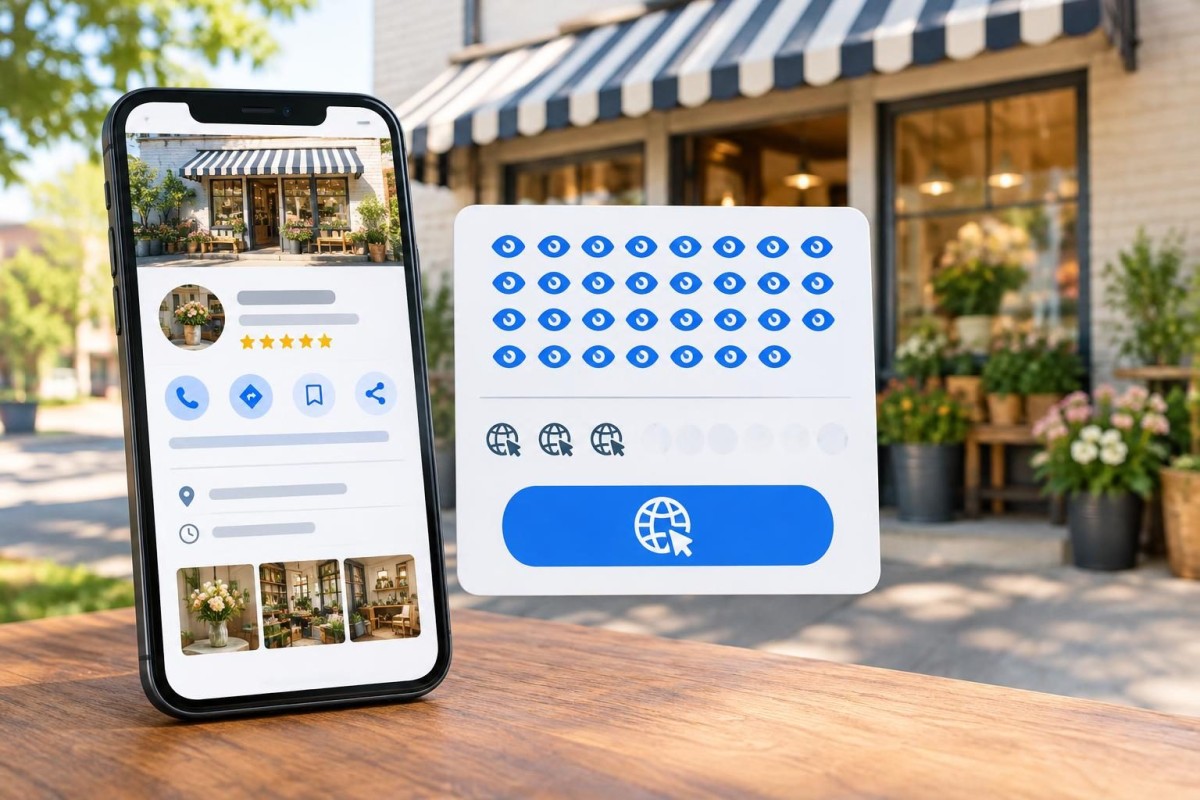
Your Google Business Profile can receive plenty of views while sending very few people to your website. That is worth investigating, but it does not automatically mean the profile is failing. Some customers call directly, request directions, or get the answer they need without visiting the site. Others may see the listing and decide the business is not a match.
The useful question is not simply, “How do we get more clicks?” It is, “Are the right local customers finding us, and can they take the next step that makes sense for our business?” Here is a practical way to answer that question without guessing at Google’s ranking formula.
First, understand what the numbers actually measure
Open your verified Business Profile while signed into its managing Google account and choose Performance. Select a date range, then examine the available metrics. Google’s official explanation of Business Profile performance makes several distinctions that matter:
- Views describe people who viewed the profile on Search or Maps. Google limits repeat counting, including counting a person only once per day. This is not a count of everyone who saw your business somewhere on Google.
- Searches describe search terms that surfaced the profile. Google updates this report monthly, and it can take several days to appear.
- Website clicks count clicks on the website link in the profile. They are not confirmed website sessions, form submissions, or customers.
- Calls count taps on the call button, not necessarily answered conversations. Directions count requests for directions, not confirmed visits.
Google also says performance can include organic activity and Google Ads. Not every metric applies to every business. Because views and actions use different counting rules, dividing website clicks by views may be a rough directional comparison, but it is not a reliable, universal lead-conversion rate. Compare consistent date ranges and examine the individual actions before drawing conclusions.
Diagnose the gap in the right order
1. Check whether the missing clicks are actually missing opportunities
A restaurant may reasonably receive many calls and direction requests without website visits. A contractor who relies on estimate requests may need visitors to reach a service page and submit a form. The same profile statistics mean different things for those two businesses.
Write down the customer’s preferred next action: call, directions, request an estimate, or review services. Compare website clicks with calls and other available actions over the same period. Then check the business’s actual inquiry records. A call-button tap is not a booked job; a website click is not a qualified lead.
Hypothetical example: a home-service company gets more profile views this month, but its call taps and estimate inquiries stay flat. That suggests an issue worth investigating. It does not prove that Google is showing the profile to the wrong audience or that a particular edit will fix it.
2. Check whether the listing describes the work people really need
Look at the business name, primary category, additional categories, services, hours, service area, and contact information. Would someone searching for your actual service immediately recognize a good fit? Does the profile describe the business as it operates today, rather than a service it once emphasized?
Categories should describe real business types, not serve as a list of every keyword you want to rank for. Our guide to choosing Google Business Profile categories explains how to evaluate primary and additional categories without stuffing the listing. Avoid changing categories repeatedly in response to a few days of data; some edits can also trigger reverification.
Review the visible search terms where Google provides them, but remember that a search appearing in the report does not prove every viewer intended to hire you. Look for broad or unrelated searches alongside the specific services you want to attract.
3. Test the website button and the page it opens
Use a phone to open the public listing as a customer would. Is the website button visible? Does it lead to the correct HTTPS site, without a broken redirect, error, expired domain, or unexpected page? If the link lands on the homepage, can a visitor immediately identify the service, coverage area, and next step?
For a business with several distinct services, the homepage may be appropriate if it makes those choices clear. A focused service page may be more helpful in other cases, provided the destination accurately represents the business. Do not change a working link merely because a different URL sounds more optimized.
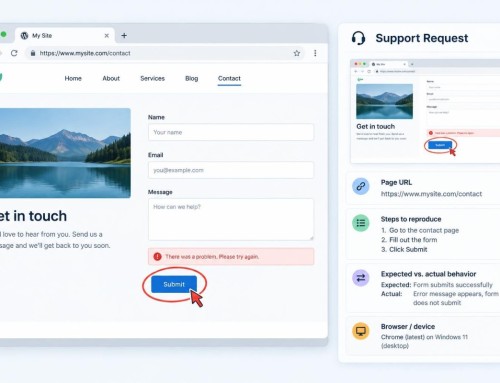
Test the destination on mobile: navigation, load, phone link, form fields, and confirmation. A visitor who clicks through but cannot complete a request is a website or intake problem, not necessarily a Business Profile problem.
4. Look for trust and expectation gaps
Compare what the profile promises with what the website explains. A listing advertising commercial property services should not lead to a site dominated by unrelated residential offers. Hours, service areas, photographs, business identity, and service descriptions should be accurate and consistent.
Good photographs can help customers recognize the business, but do not add unrelated images just to fill a gallery. Ask whether the profile and landing page together answer four questions: What do you do? Where do you do it? Why should I consider you? What happens when I contact you?
Grassroots’ SEO and local search services address that connection between local visibility, service content, business information, and the website experience. The profile is one part of the customer path, not an isolated marketing channel.
5. Separate a website click from a real inquiry
Website clicks in the profile and sessions in analytics will not necessarily match. A person may click without the page fully loading; browser privacy settings, attribution rules, and reporting windows can also differ. If appropriate, use a consistent, properly formed UTM-tagged website link and inspect landing-page traffic in analytics, while respecting Google’s current link policies and avoiding changes to established URLs without a reason.
More importantly, test the actual request path. Does a form show a meaningful success message? Does its notification reach the right person? Is the phone answered during advertised hours? Is there a simple way to record whether an inquiry came from the profile, the website, or a referral? Only verified inquiries should be counted as leads.
A simple decision guide for what to fix first
- Views are rising, but all useful actions are flat: start with service relevance, category accuracy, visible contact information, search terms, and customer expectations. Do not assume a ranking penalty.
- Website clicks are low, but calls or directions are healthy: determine whether those actions are the business’s intended conversions. Confirm actual call quality before spending money to force more website visits.
- Website clicks are healthy, but inquiries are weak: inspect mobile landing-page clarity, forms, phone routing, pricing or process expectations, and lead follow-up before changing the listing.
- Both views and actions are weak: check profile verification, eligibility, accurate categories, service area, competition, and whether the website explains the services clearly. Build a baseline before testing changes.
This is a triage tool, not a claim that one symptom has one certain cause. For a broader channel decision, our article on marketing a local business without being everywhere explains why each channel should have a specific job.
Run a 30-minute profile-to-inquiry audit
- Five minutes: record a consistent recent reporting period and its views, website clicks, call taps, and directions where available. Note missing metrics and any paid advertising.
- Five minutes: read the public listing on a phone. Check the business type, services, hours, coverage, and contact details against reality.
- Five minutes: open the website link and confirm the correct destination loads and makes the next action obvious.
- Five minutes: submit one clearly labeled test inquiry or check the contact path with the team. Do not mistake a test submission for a genuine lead.
- Five minutes: compare reported clicks and calls with real inquiries, noting where attribution is incomplete rather than filling gaps with assumptions.
- Five minutes: choose one defensible correction, record the date, and allow enough time for a comparable follow-up period before judging it.
Avoid making five profile changes at once, buying artificial engagement, or assuming a low click count calls for more keywords in the business name. Those shortcuts make the data harder to interpret and can undermine an otherwise accurate profile.
The outcome to measure is useful customer contact
A Business Profile is valuable when it helps appropriate customers find and contact a real business. Some of those customers will use the website; others will call or visit. The right mix depends on the service and how people buy it.
Start with accurate information, a working destination, a clear customer next step, and a modest inquiry log. That gives you a better basis for deciding whether to improve the profile, the website, or the follow-up process—without confusing visibility with business results.
If your profile attracts attention but you cannot tell where potential customers drop off, request a Discovery Call with Grassroots Consulting. We can help identify which part of the local search and website path deserves attention first.
Built in collaboration with ChatGPT.